
Suspend and resume
Works onWindowsUbuntuUpdated 2026-09-23
In short
Suspend saves your open apps, windows, and even the graphics state to disk, then stops the VM. Click Resume and you're back on the same screen within seconds.
How suspend works
| `Suspend` | |
|---|---|
| Saved to | Mac disk |
| Mac memory | Freed up |
| After a Mac restart | Preserved |
| Bringing it back | Resume |
| Card state | Suspended |
Use Suspend when you step away, quit the app, shut down the Mac, or won't use the VM for a while. The apps and windows you left open come back as they were, and the memory goes back to the Mac.
Suspending
- Manager screen: click
Suspendon the card. - VM window: choose
Virtual Machine › Suspendfrom the menu bar. - Menu bar icon: choose
Suspend.
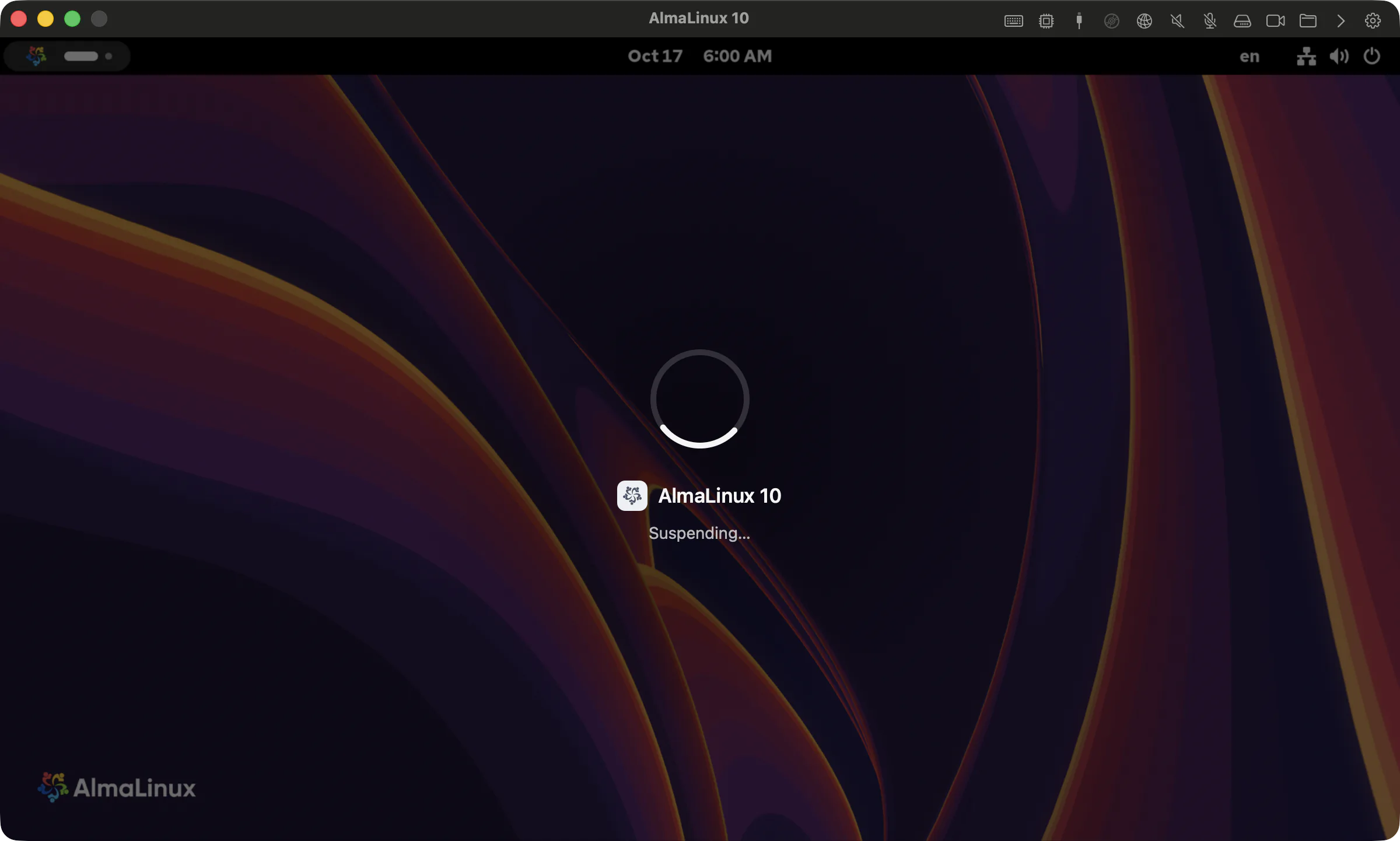
The VM window shows Saving state, and the window closes once it's done. The manager screen shows the saved size and how long it took.
Picking up where you left off
Click Resume on the card and you'll see Loading the saved state before the screen you left appears again. For a VM that another program left Paused (memory kept), click Resume.
Good to know
- Suspend is available once automatic Windows setup has finished. The button doesn't appear during setup.
- A USB device attached to the VM is detached before suspending, and reattached on resume if it's still plugged in.
- Suspending from seamless mode first returns to the VM window, then saves.
- A suspended VM's hardware settings and networking mode can't be changed. Resume it, then shut down, to change them.
- A suspended state is tied to the engine version that saved it. It's safer to shut down VMs before updating the app. See Update the app.
If something goes wrong
Could not save the state. The virtual machine is still running.. try again in a moment. The VM is still usable as-is.The virtual machine would not release the GPU, so suspend was cancelled.. close any demanding graphics apps in the VM and try again.Could not restore the saved state. the saved state isn't deleted. Try again, and follow Collecting logs if it keeps failing.- If the screen is black after resuming, see The screen is black after resume.
Related Articles
Was this article helpful?
Still stuck?
Search the Help Center by symptom or contact our support team.