
Collecting logs
Works onWindowsUbuntuUpdated 2026-09-23
In short
Click the Logs button on a VM card to open that virtual machine's folder in Finder. Send the log files from this folder along when you contact support.
Opening the logs folder
- 1.Find the card for the virtual machine having the problem in the manager window.
- 2.Click
Logs. The virtual machine folder opens in Finder. - 3.Or click
Open FolderunderSettings › Virtual machine infoto open the same folder.
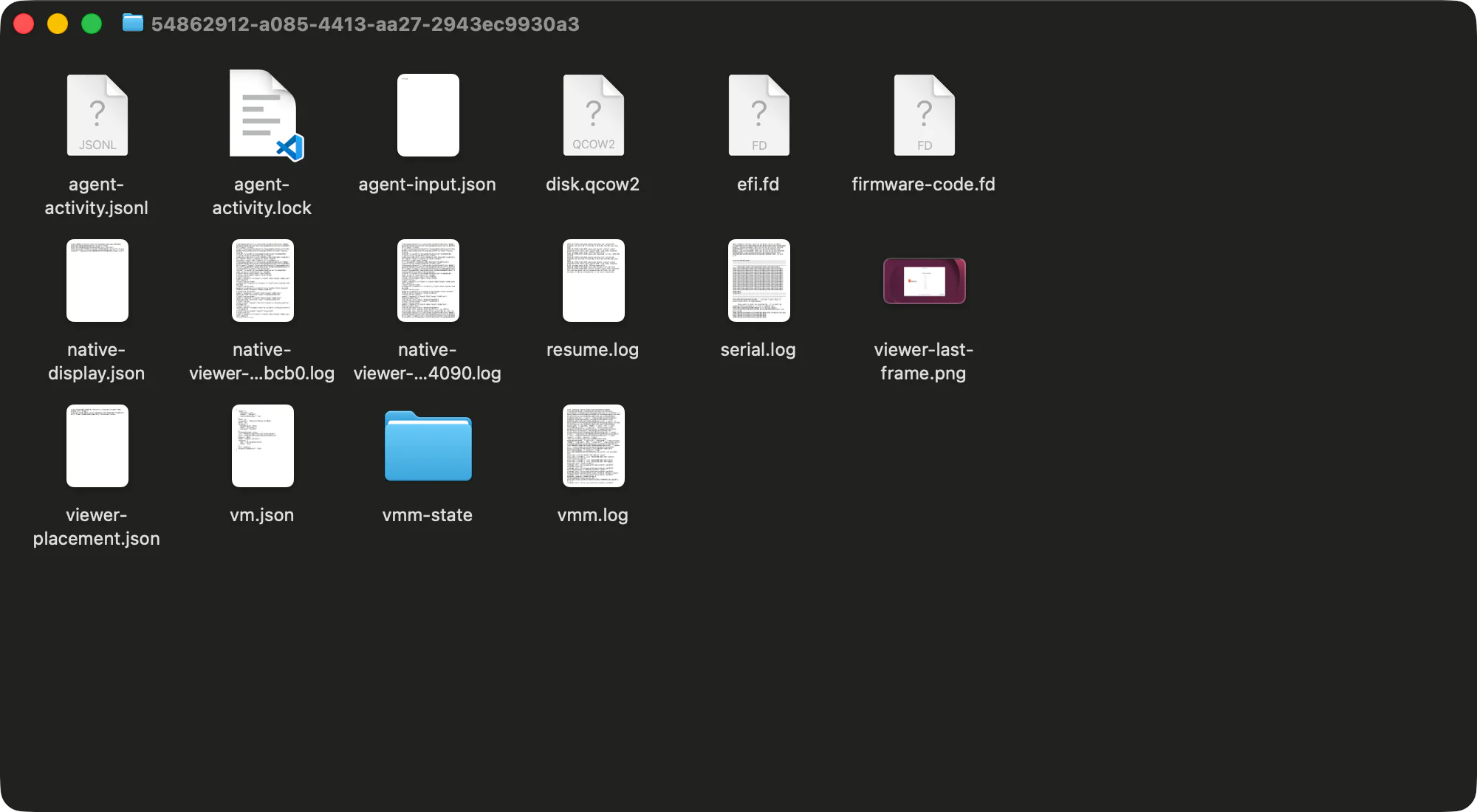
Which files to send
- Files ending in
.log. the virtual machine's run record. If the virtual machine suddenly quit, be sure to includevmm.logandserial.log. creation-error.txt. created when creating a virtual machine fails.restore-error.json. may be created when Resume fails.
Don't send the disk file (
disk.qcow2) or checkpoint folders. They're large and contain personal files from inside the virtual machine.Folder location
The virtual machine folder is usually at ~/Library/Application Support/Any OS/machines/<virtual machine identifier>. The identifier appears under Settings › Virtual machine info.
Deleting a virtual machine deletes its logs too. Copy any logs you need before deleting it.
Related Articles
Was this article helpful?
Still stuck?
Search the Help Center by symptom or contact our support team.