
Any OS Toolbox
Works onWindowsUbuntuUpdated 2026-10-16
In short
Any OS Toolbox is a small collection of tools you open from the menu bar. Search for tools like keep-awake, clipboard history, text recognition, and file compression, and use them right away.
How to open it
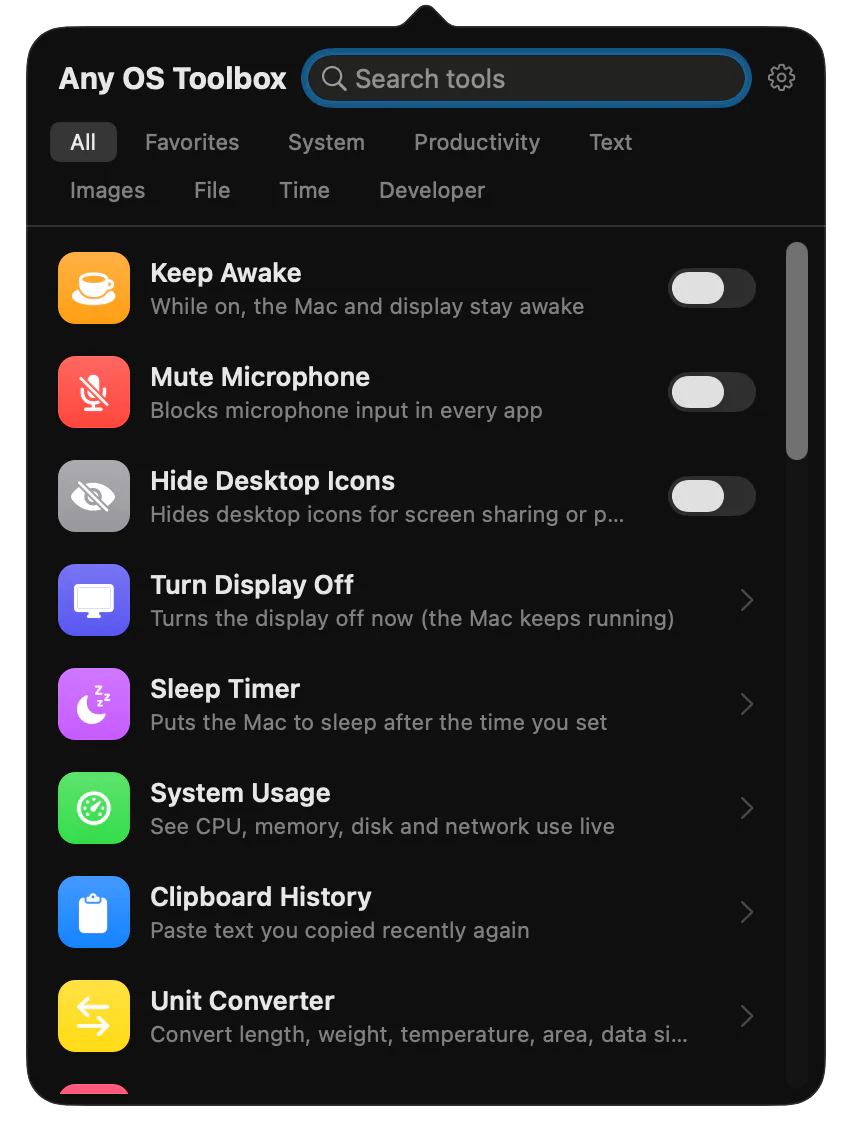
- Click the Toolbox icon in the menu bar, or press
⌃⌥T. - Choose
Open Any OS Toolboxfrom Any OS's app menu, Dock menu, or menu bar menu.
Toolbox is a different app from Any OS Tools, which you install inside a virtual machine.
Tools
| Category | Tools |
|---|---|
| System | Keep awake, mute microphone, hide desktop icons, turn off display, sleep timer, system usage |
| Productivity | Clipboard history, unit converter, age calculator, percentage calculator, random generator |
| Text | Text transform, text recognition, text compare |
| Image | Read QR and barcodes, create QR and barcodes, resize image, extract colors |
| Files | Verify checksum, compress, extract, find duplicate files, images to PDF, PDF to images |
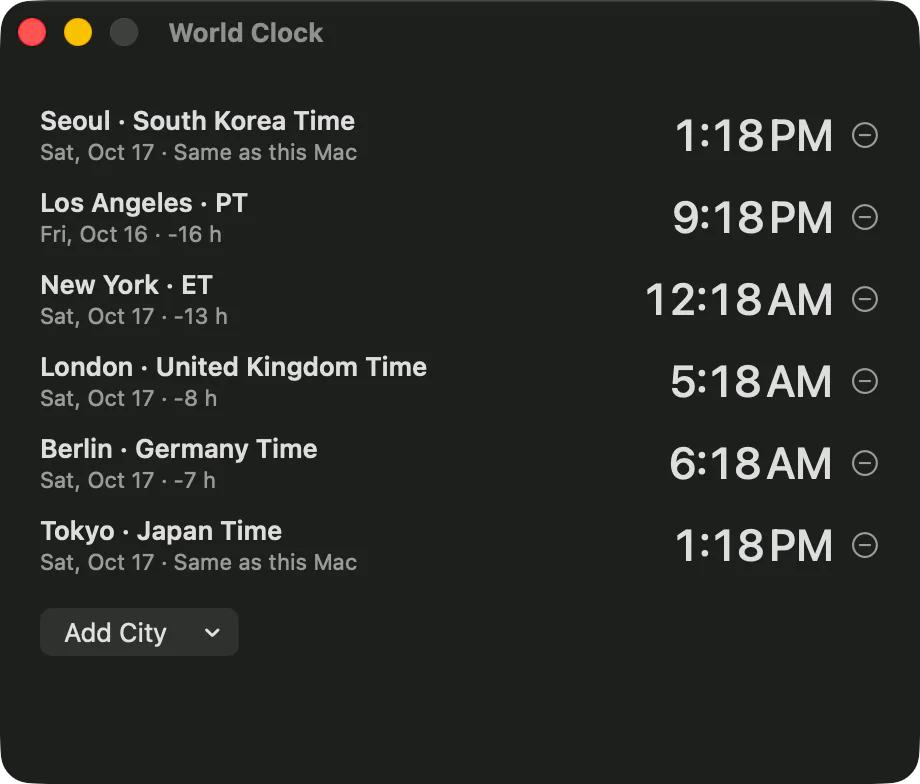
| Time | Timer and stopwatch, world clock, date calculator |
| Developer | Base64 and URL encoding, JSON formatter, JWT decoder, Unix time converter, IP and subnet calculator |
Keep your most-used tools in favorites with the star. Clipboard history is kept in memory only, and passwords aren't recorded.
Launching automatically
- If
Launch Toolbox when Any OS opensin app settings ›Generalis on, Toolbox launches when you open Any OS. It's on by default. - If you turn on
Open at Loginin the Toolbox menu, it launches when you log in to your Mac. - You can also change
Show Icon in Menu BarandOpen Panel with ⌃⌥Tin the Toolbox menu.
License
You can use Toolbox during your license's update period. That's one year after purchase, and it extends when you renew. You can also use it during the free trial.
Toolbox can't be used in Free limited mode or with a license whose update period has ended. You can keep using your virtual machines.
Was this article helpful?
Still stuck?
Search the Help Center by symptom or contact our support team.