
A Linux desktop in one Mac window
Run development servers, containers, and Linux-only tools next to your Mac. Ubuntu, Debian, Fedora, CentOS Stream, Kali, and Omarchy are supported, and the same app also runs macOS and Windows.
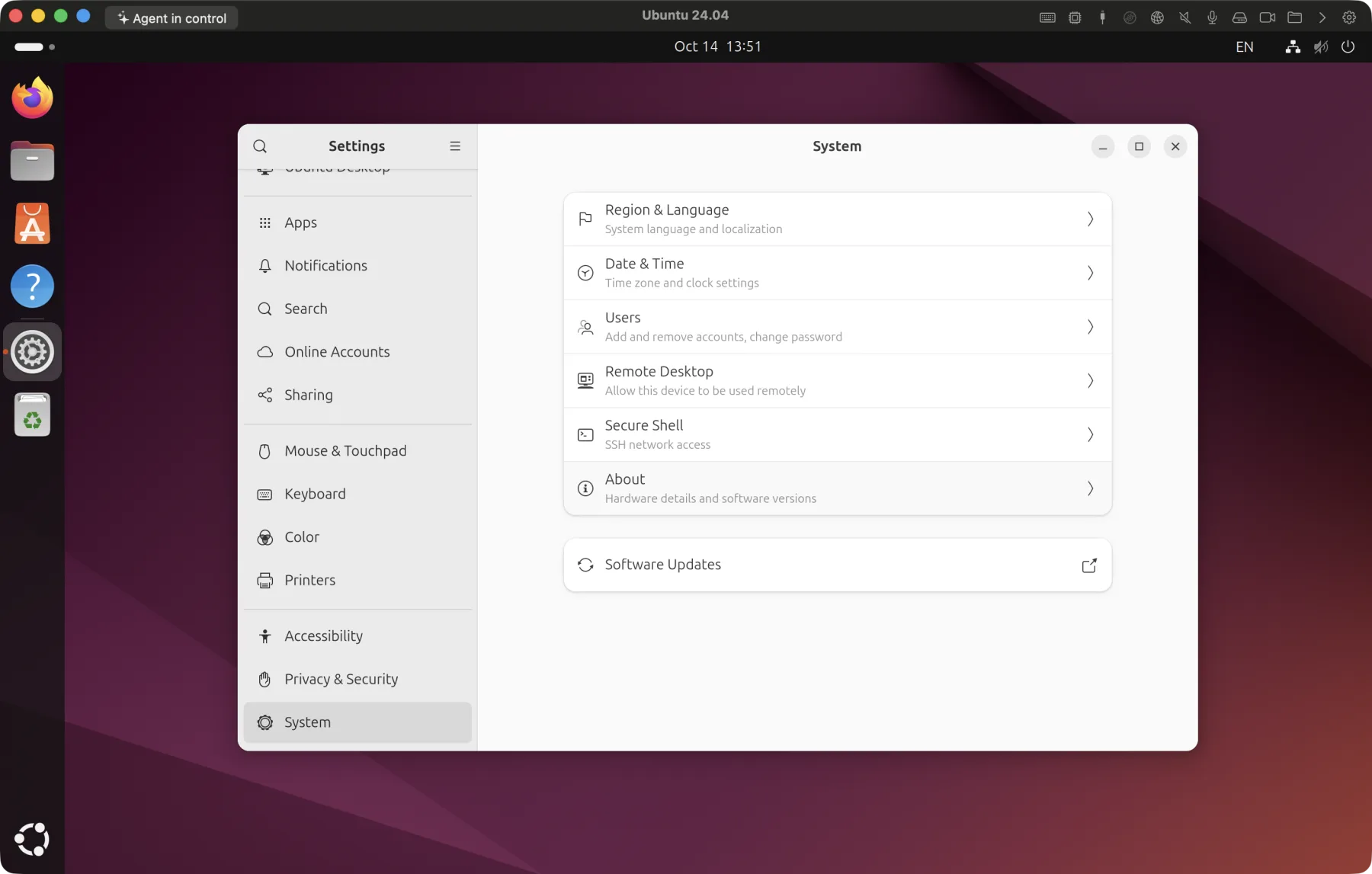
Great for
Linux development environments
Build and run it in the same environment as your deployment servers.
Containers and Kubernetes
Run containers directly on a Linux kernel.
Learning Linux
Install and break things freely without touching your Mac. just roll back with a checkpoint.
Linux-only apps
Run Linux desktop apps that need GPU acceleration too.
A desktop in minutes
Uses each distribution's official ARM64 installer image.
1.Choose a distribution
In a new VM, choose Ubuntu, Debian, Fedora, CentOS Stream, Kali, or Omarchy and set a user name and password.
2.Automatic setup
Verifies the official image and prepares the desktop environment along with Any OS Tools.
3.Log in
When installation finishes, the desktop opens.
What stands out on Linux
Vulkan/OpenGL acceleration
GNOME and 3D apps render on your Mac's GPU and run at up to 120Hz.
~/Mac shared folder
A shared Mac folder appears under Mac in your home folder, reconnecting automatically every time you log in.
Two-way clipboard
Exchange text, images, and files with your Mac.
Input-mode toggle (like Korean/English)
Switch the input source on your Mac and the Linux input method follows.
USB devices
Attach development boards or storage devices straight to the Linux VM.
Bridged networking
Gives the VM a router address so other devices can reach it directly.
Know this upfront
Good to know before you install.
- You install the ARM64 (aarch64) edition of the distribution. x86-only binaries do not run as is.
- The only official ARM64 image of Omarchy is 4.5 RC1 (a pre-release).
Can I use other Linux distributions?
Yes. Ubuntu, Debian, Fedora, CentOS Stream, Kali, and Omarchy are supported. On the first five we verified installation, GPU acceleration, clipboard, shared folders, and suspend and resume, and on Omarchy we verified installation, GPU acceleration, display resizing, clipboard, shared folders, seamless mode, input methods, a single mouse pointer, and checkpoint revert.
Is Ubuntu paid?
Ubuntu is free. You only need an Any OS license.