
Windows 11 next to your Mac, no reboot
Apple Silicon Macs don't have Boot Camp. Any OS runs Windows 11 ARM as a Mac app, and runs x64 apps through Windows' own emulation.
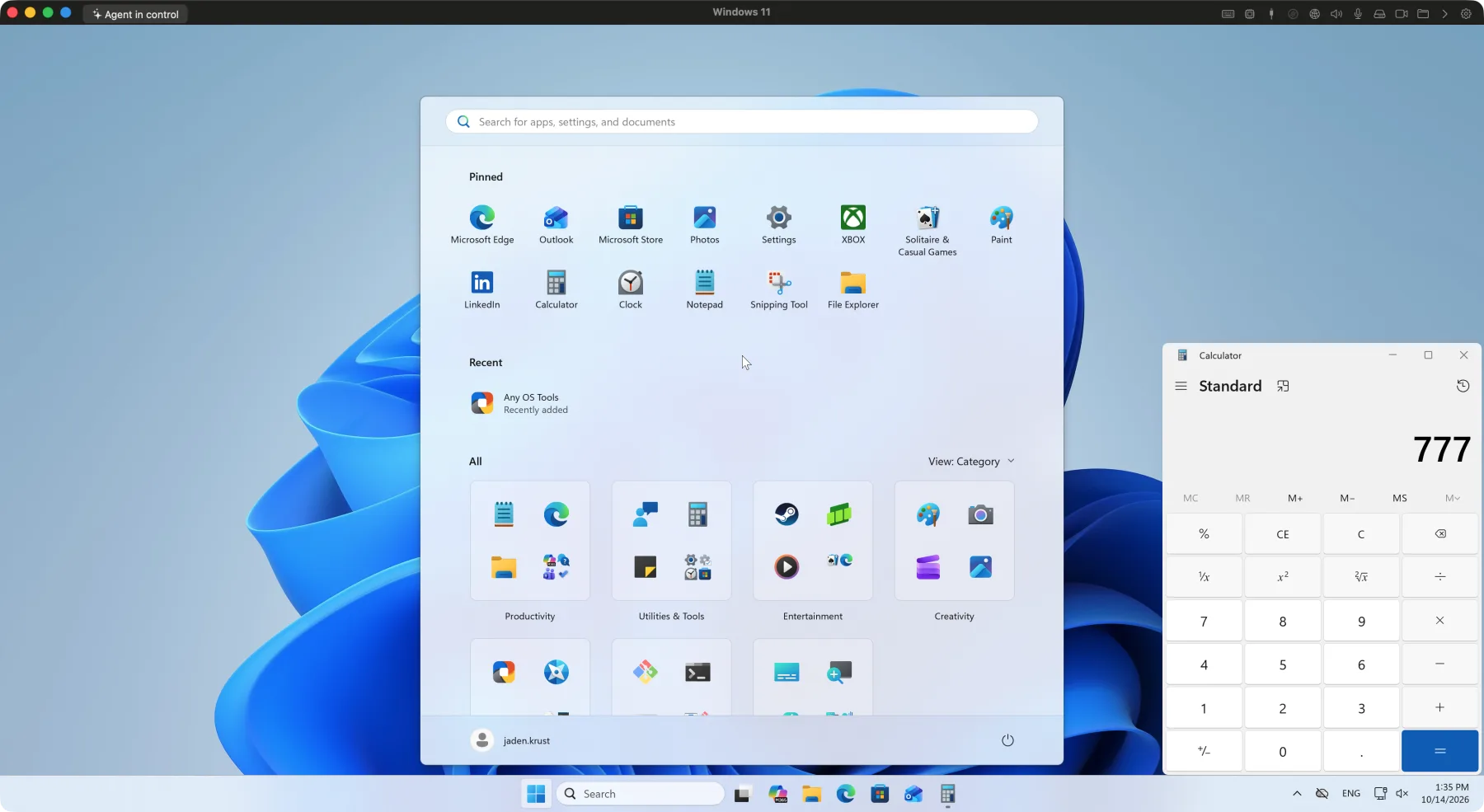
Great for
Windows-only work apps
Run accounting/ERP/CAD software and sites that require corporate security programs, exactly as they are.
Games and 3D
Run DirectX 9 through 12, Vulkan, and OpenGL games and 3D apps on the GPU.
App development
Build Windows apps and verify browsers and installers on real Windows.
Just switched to Mac
Keep using familiar Windows apps while you move over gradually. Files travel back and forth through shared folders.
One click to install
No need to hunt for a Windows installer.
1.Choose Windows 11
Pick Windows 11 in the New VM window and confirm the language. It defaults to your Mac's language.
2.Automatic download and verification
Downloads the ARM64 installer from Microsoft's official servers, verifies it with SHA-256, and keeps it cached.
3.Unattended install
Installation, reboots, and account setup all run automatically, and it prompts you to add Any OS Tools once it's done.
Especially good on Windows
DirectX 9–12 · 120Hz
DirectX apps run on the GPU with no extra files, drawing at 120Hz on ProMotion displays.
Seamless mode
Windows app windows appear like Mac windows, each with its own Dock icon.
Use All Displays
One Windows display per connected Mac monitor, up to 4.
Mac folders as the Z: drive
A shared Mac folder shows up in File Explorer as a network drive.
Same input-mode toggle
The same toggle key you use on the Mac also switches the Windows Korean input method.
TPM 2.0 · Secure Boot
Includes the virtual TPM 2.0 that Windows 11 requires and supports Secure Boot.
Know this upfront
Good to know before you install.
- You buy a Windows license separately from Microsoft.
- It installs the Windows 11 ARM edition. x86/x64 apps run through Windows' own built-in Microsoft emulation.
Which Windows edition gets installed?
The Windows 11 ARM64 installer that Microsoft distributes. The edition during setup follows the license you have.
How do I activate it?
Enter a product key under Windows Settings › System › Activation, or buy one from the Microsoft Store.
Can I make more than one Windows VM?
Yes. You can create as many VMs as your Mac's storage allows. Each VM needs its own Windows license.